

Blog
Signs Your Office Furniture Is Not Ergonomic

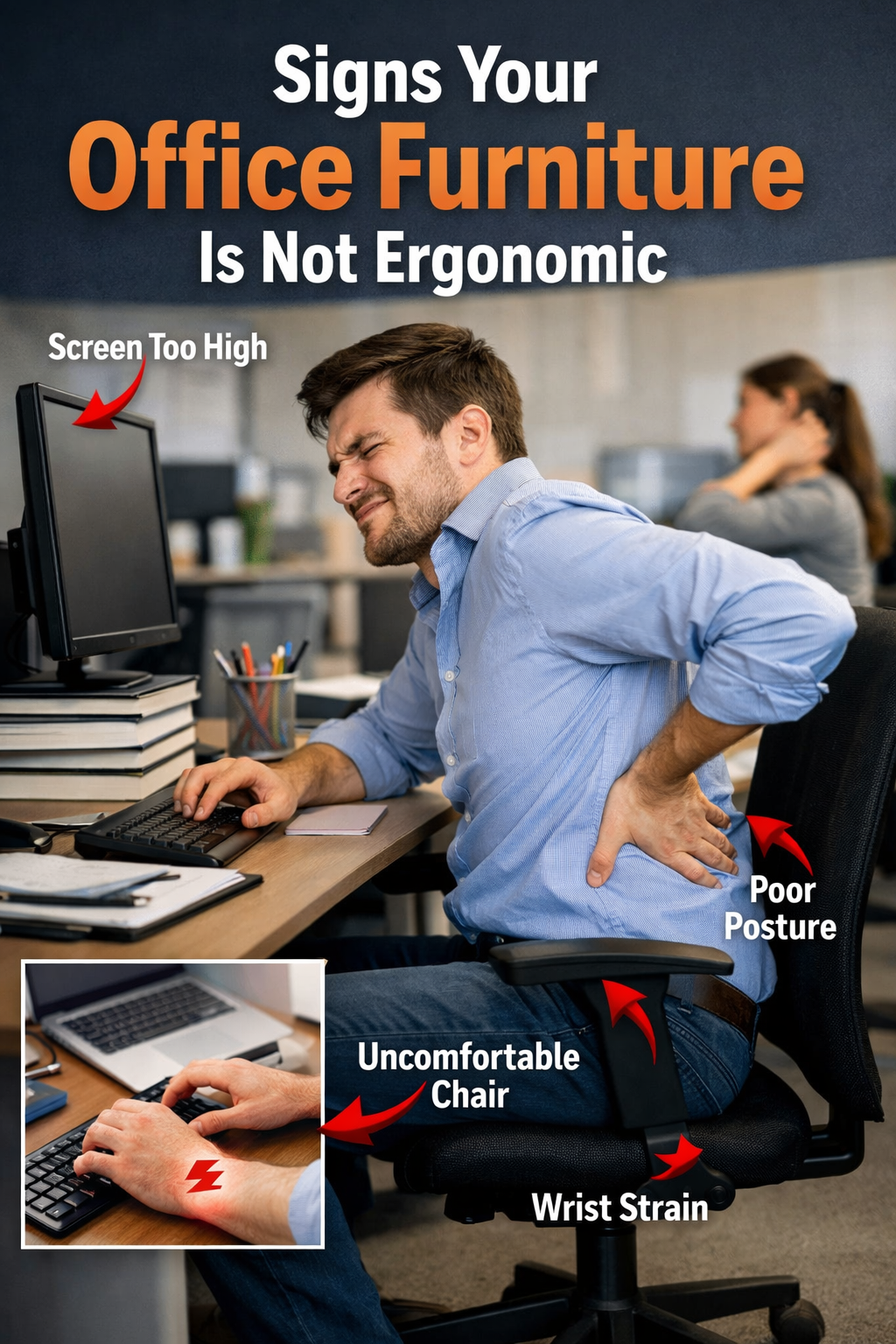
In today’s modern workplace, comfort is just as important as productivity. Poorly designed office furniture can lead to a variety of health issues, from back and neck pain to decreased focus and productivity. Recognizing the signs that your office furniture isn’t ergonomic is the first step toward creating a healthier and more efficient workspace.
If you’re experiencing discomfort during your workday, it might be time to assess your office furniture. Let’s explore the common signs that indicate your office furniture isn’t ergonomic and the steps you can take to improve your workspace.
1. Frequent Back and Neck Pain
The Problem:
Back and neck pain are common complaints for individuals working long hours at a desk. If your office chair doesn’t offer proper lumbar support or if your desk is at an awkward height, you may find yourself slouching or straining throughout the day.
What You Can Do:
- Invest in an ergonomic chair with adjustable lumbar support to fit the natural curve of your spine.
- Adjust your desk height so that your elbows form a 90-degree angle while typing.
- Keep your computer screen at eye level to avoid straining your neck.
2. Poor Posture
The Problem:
Slouching or hunching over your desk can cause significant long-term health problems, including poor posture, spinal issues, and muscle strain.
What You Can Do:
- Choose an adjustable office chair that allows you to sit with your feet flat on the floor and your knees at a 90-degree angle.
- Ensure your chair has a supportive backrest that promotes a healthy spine alignment.
- Maintain a neutral sitting posture where your back is straight and your shoulders are relaxed.
3. Eye Strain and Headaches
The Problem:
If you’re constantly squinting at your computer screen or suffering from headaches, your desk setup may be to blame. Improper screen height or glare can contribute to eye strain and cause frequent headaches.
What You Can Do:
- Set your monitor at eye level, roughly 20 inches away from your face.
- Adjust the tilt of your screen to minimize glare.
- Consider using an anti-glare screen filter or position your desk away from direct light sources.
4. Numbness or Tingling in Hands or Feet
The Problem:
Numbness, tingling, or swelling in your hands and feet could be caused by improper circulation due to poor seating or desk height. Sitting in a position that cuts off circulation can lead to discomfort and even long-term health issues.
What You Can Do:
- Ensure your chair is at the correct height so that your feet rest flat on the floor.
- Use a footrest if necessary, to keep your legs at a 90-degree angle and promote better circulation.
- Take regular breaks to stand, stretch, and move around throughout the day.
5. Discomfort After Long Hours
The Problem:
If you feel the need to constantly adjust your seating or stand up with discomfort after sitting for a long period, it’s a clear sign that your office furniture is not providing sufficient support for long work hours.
What You Can Do:
- Invest in an ergonomic chair with cushioning and lumbar support for extended periods of sitting.
- Use a sit/stand desk to alternate between sitting and standing throughout the day.
- Arrange your workspace to ensure that everything you need is within reach without straining.
6. Lack of Adjustability
The Problem:
Office furniture that doesn’t offer flexibility or adjustability can lead to poor posture and discomfort. If your desk, chair, or monitor can’t be customized to fit your body and work habits, you’re likely not working in an ergonomic environment.
What You Can Do:
- Choose adjustable office furniture, such as a height-adjustable desk and a chair with customizable features (height, armrests, backrest).
- Make sure your monitor is at the right height, and adjust your chair’s seat depth to promote proper posture.
- Invest in accessories like a footrest or keyboard tray to enhance comfort.
7. Limited Space to Move
The Problem:
A cramped or cluttered workspace can contribute to discomfort and limit your ability to move freely, leading to tension and fatigue.
What You Can Do:
- Ensure your desk has enough space for you to move and stretch without obstruction.
- Keep your workspace organized to allow freedom of movement.
- Make sure your chair offers enough space to adjust positions comfortably.
Chiro Plus Chair Black with Arms and Headrest

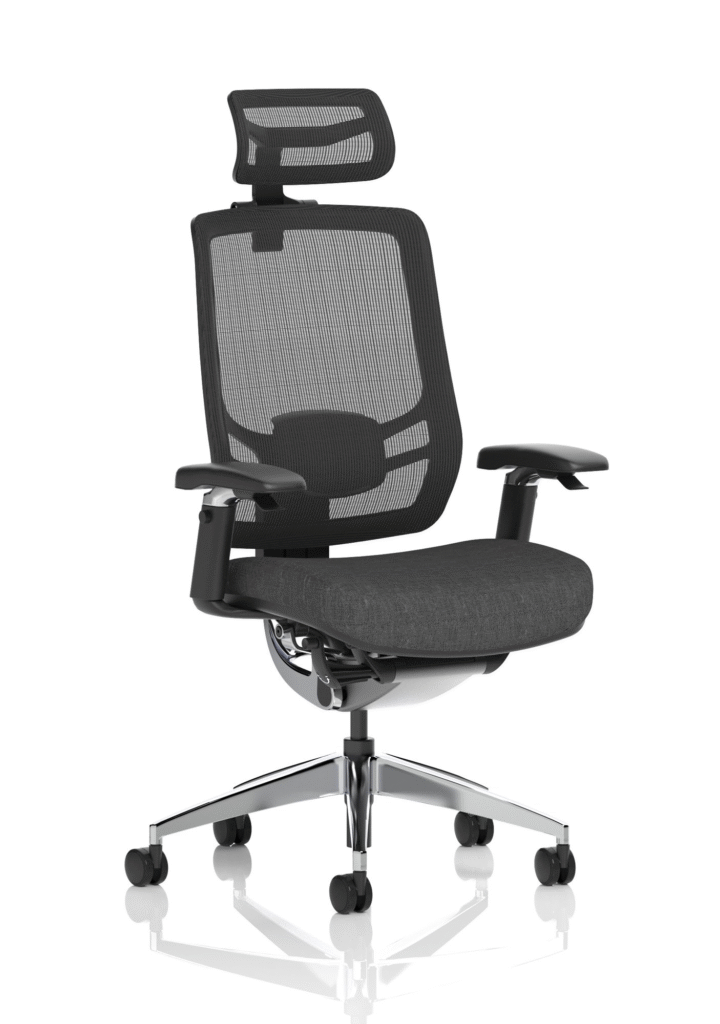
Ergo Click Chair Black Fabric Seat Black Mesh Back with Headrest
Conclusion: The Importance of Ergonomics in the Workplace
Having ergonomic office furniture is essential for maintaining health and boosting productivity. If you’re experiencing discomfort, pain, or fatigue, it’s likely that your current furniture setup is contributing to these issues. Investing in ergonomic furniture will not only improve your physical well-being but also enhance your productivity and overall work experience.
A few small adjustments, such as choosing the right chair, desk, and accessories, can make a world of difference in how you feel throughout the day. By prioritizing comfort and ergonomics, you’ll create a workspace that supports both your health and your performance.
See the collection of our Ergonomic Seating and Furniture Here.