
Blog
The Basics of Ergonomic Office Design

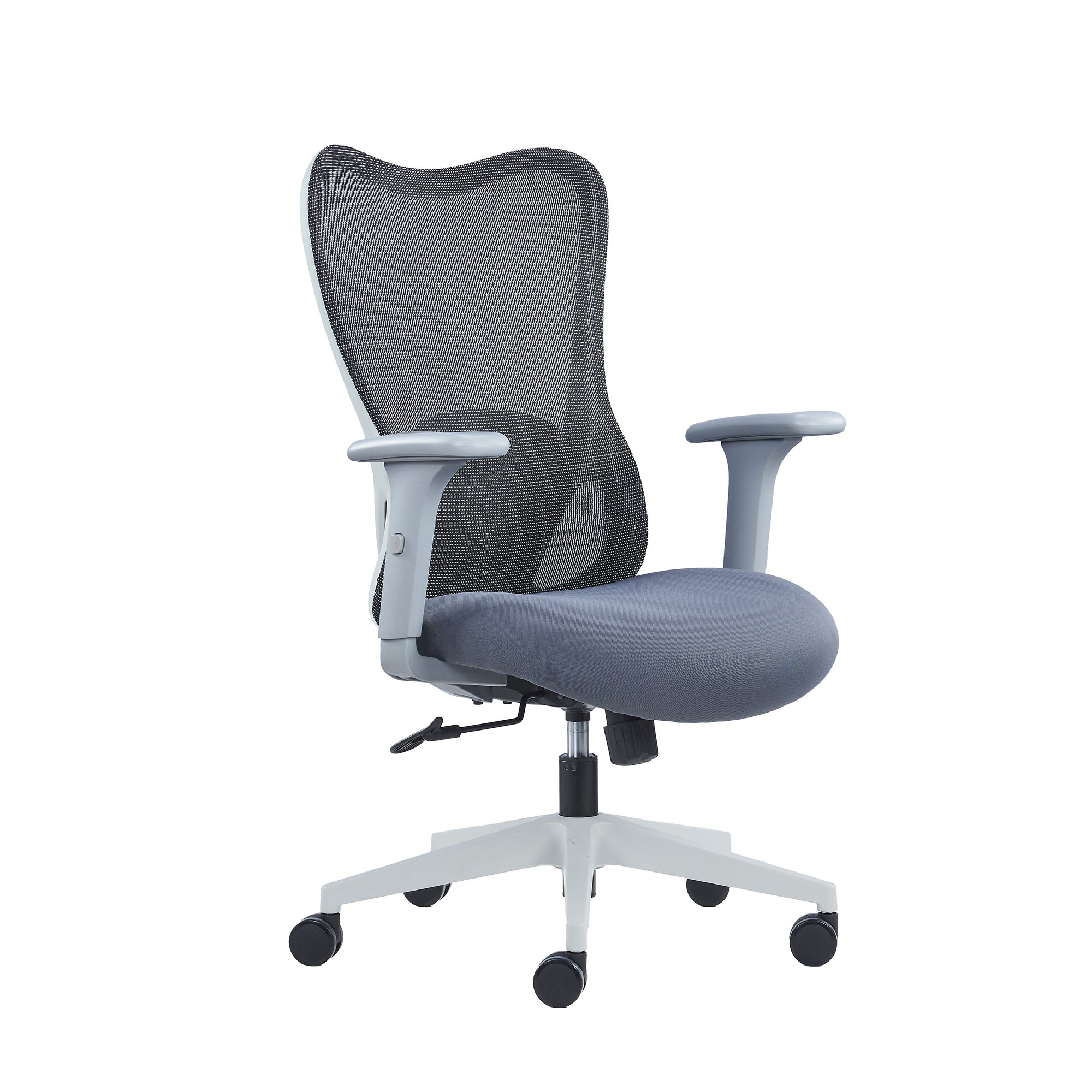
A well-designed office goes beyond aesthetics—it supports comfort, productivity, and employee well-being. Ergonomic office design focuses on creating a workspace that reduces strain, prevents injury, and promotes efficiency. By considering how people interact with their environment, ergonomic design helps employees work smarter and healthier.
In this blog, we’ll cover the basics of ergonomic office design, including key principles, essential furniture, and practical tips to improve your workspace.
What Is Ergonomic Office Design?
Ergonomic office design is the practice of arranging workspaces, equipment, and furniture to fit the needs of the user. The goal is to reduce physical stress, encourage proper posture, and prevent repetitive strain injuries.
Good ergonomic design considers:
- Desk height and positioning
- Chair support and adjustability
- Monitor placement and screen angles
- Lighting and environmental comfort
By aligning the office environment with human anatomy and natural movements, employees can focus on their work without discomfort.
Key Principles of Ergonomic Office Design
1. Correct Chair and Desk Setup
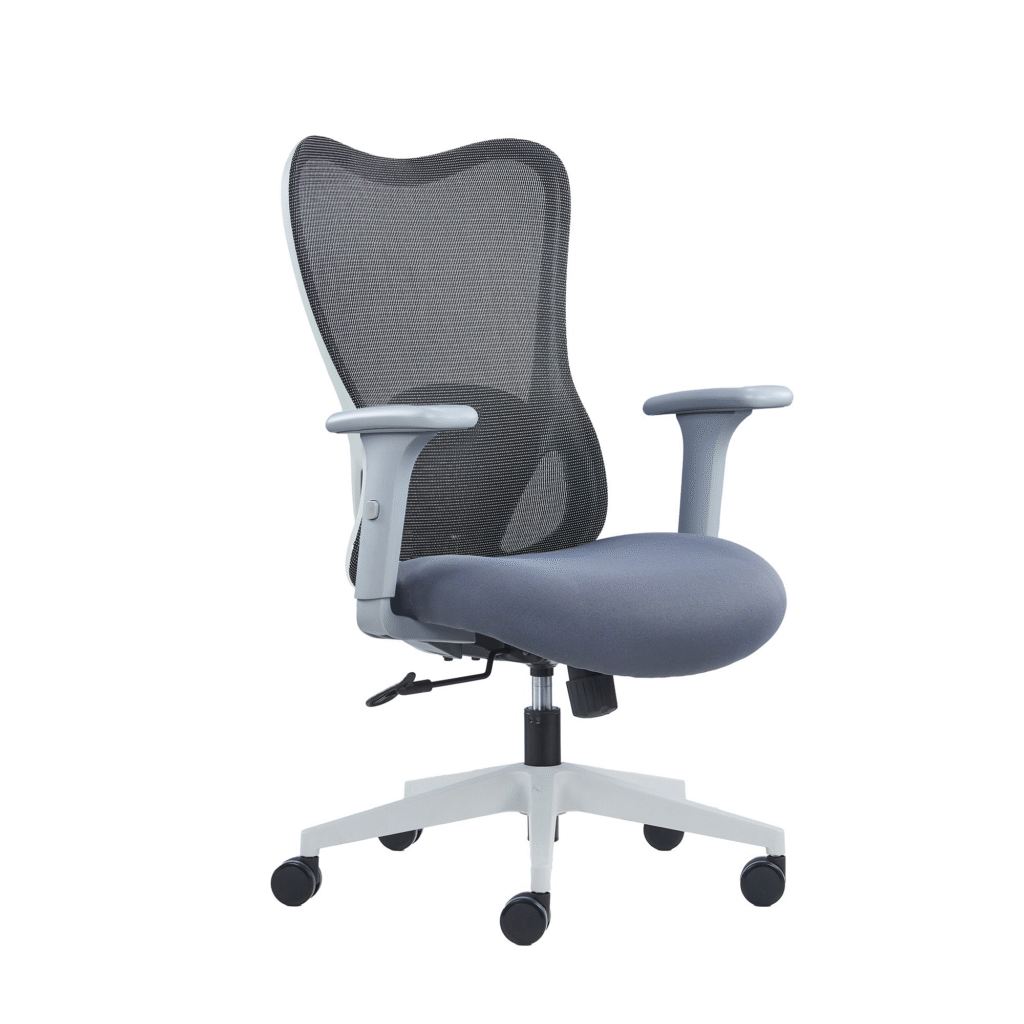
An adjustable chair with proper lumbar support and a desk at the right height reduces strain on the back, neck, and shoulders. Employees should be able to sit with feet flat on the floor, knees at 90 degrees, and arms parallel to the desk surface.
2. Monitor Placement
The top of the monitor should be at or slightly below eye level. Placing the screen about 50–70 cm from the eyes helps prevent neck strain and eye fatigue.
3. Keyboard and Mouse Positioning
Position keyboards and mice at a comfortable height, keeping wrists straight and elbows close to the body. Ergonomic keyboards and mice can reduce the risk of repetitive strain injuries.
4. Lighting and Glare Reduction
Proper lighting minimizes eye strain. Use natural light when possible and supplement with task lighting. Anti-glare screens or adjustable blinds can also improve comfort.
5. Encouraging Movement
Even with a perfect setup, sitting for long periods can be harmful. Incorporate sit/stand desks, encourage short breaks, and create spaces for walking or stretching during the day.
Essential Ergonomic Furniture
- Adjustable Chairs: Support lumbar regions and promote good posture.
- Sit/Stand Desks: Allow employees to switch between sitting and standing positions.
- Monitor Arms: Adjustable mounts keep screens at ideal viewing angles.
- Footrests: Help maintain correct leg positioning for shorter employees.
- Ergonomic Accessories: Items like wrist rests, keyboard trays, and anti-fatigue mats enhance comfort.
Benefits of Ergonomic Office Design
- Reduces Musculoskeletal Injuries – Proper posture and support prevent back, neck, and wrist strain.
- Increases Productivity – Comfortable employees are more focused and efficient.
- Boosts Employee Satisfaction – A well-designed workspace shows care for staff well-being.
- Promotes Healthier Work Habits – Ergonomics encourages movement, stretching, and better overall posture.
Tips for Implementing Ergonomics in Your Office
- Assess the workspace for potential strain points.
- Invest in adjustable and flexible furniture to fit different body types.
- Educate staff on proper posture and office ergonomics.
- Encourage regular breaks and movement throughout the day.
- Continuously evaluate and update furniture or layouts as needed.
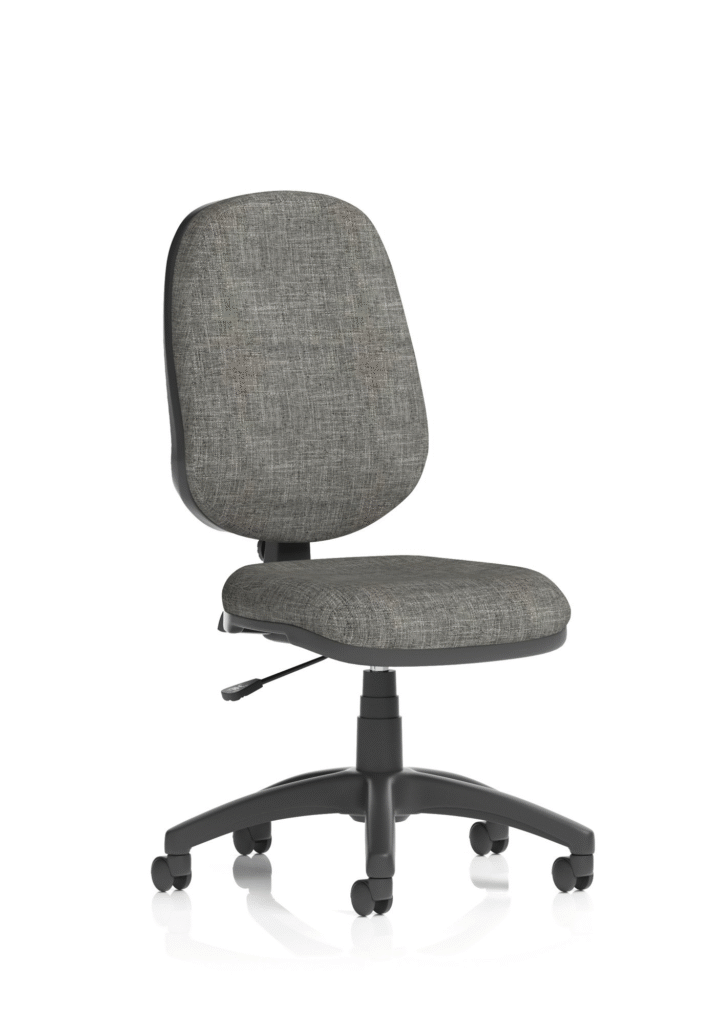
Eclipse Plus I Charcoal Chair Without Arms
Conclusion: Creating a Healthy, Productive Workspace
Ergonomic office design is more than a trend—it’s a strategy to protect employee health, boost productivity, and create a more comfortable working environment. By implementing adjustable furniture, proper monitor and desk setup, and promoting movement, offices can support their employees’ well-being while maintaining efficiency.
At Office Trading Group, we provide a wide range of ergonomic seating, furniture, and accessories designed to create safer, healthier, and more productive workspaces. Investing in ergonomics is investing in your team’s comfort and success.